Seven shelves. One beautiful home.
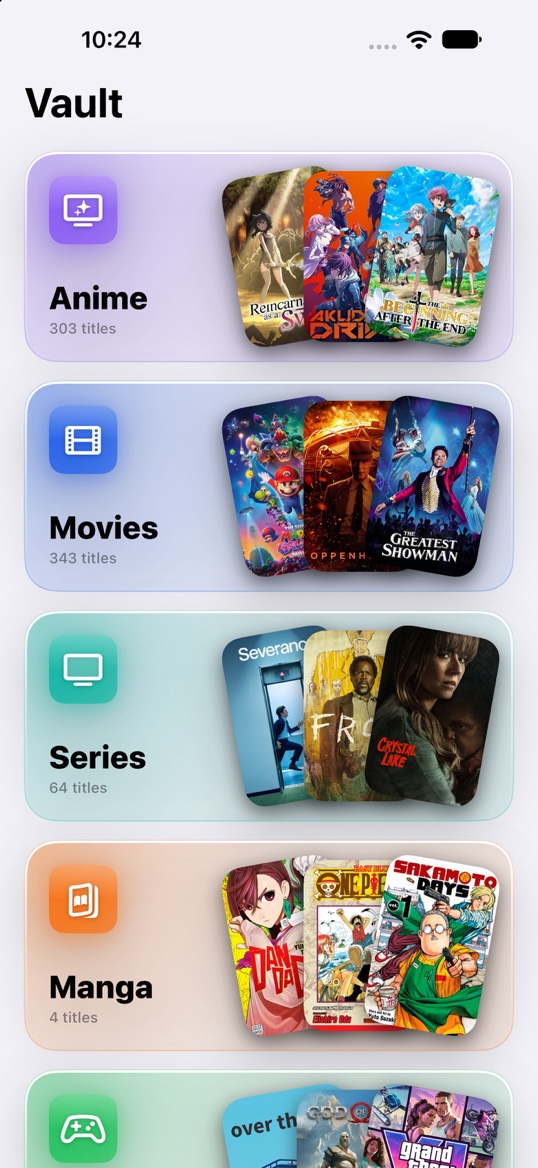
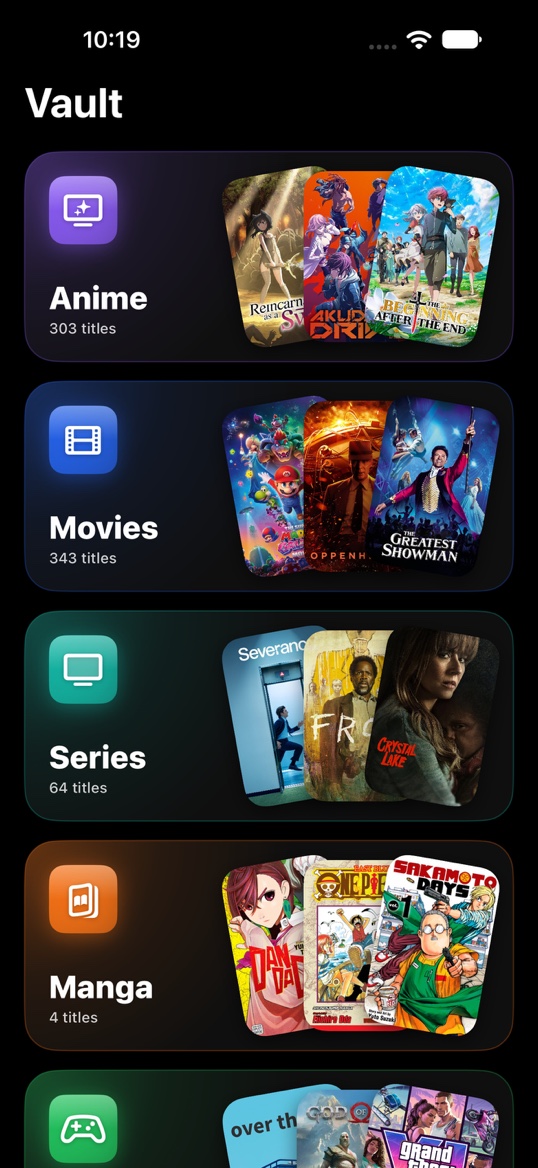


Track the anime, manga, movies, series, games, books and audiobooks you love, all in one place.
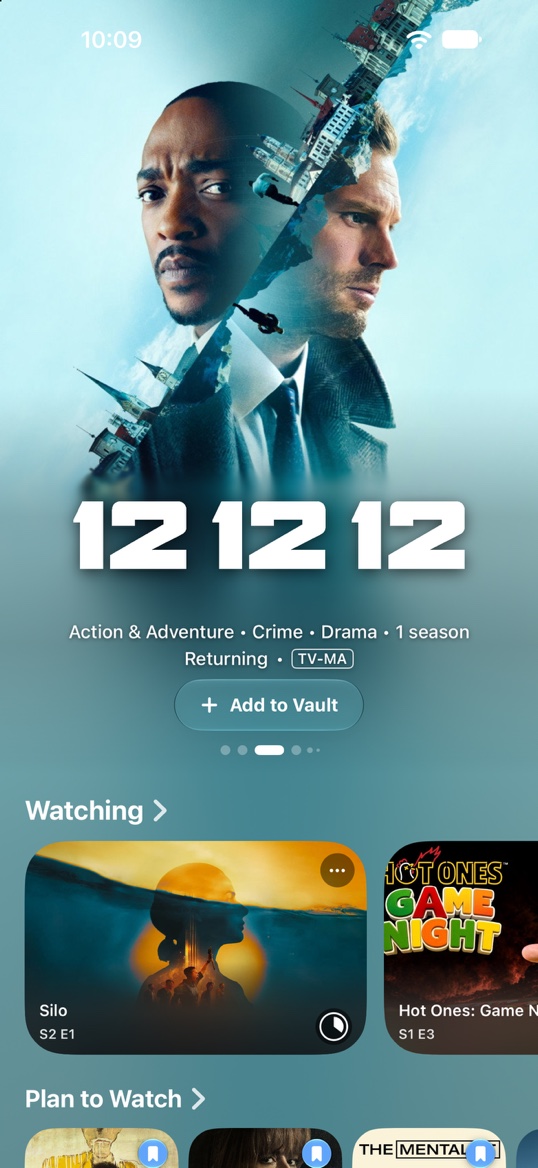
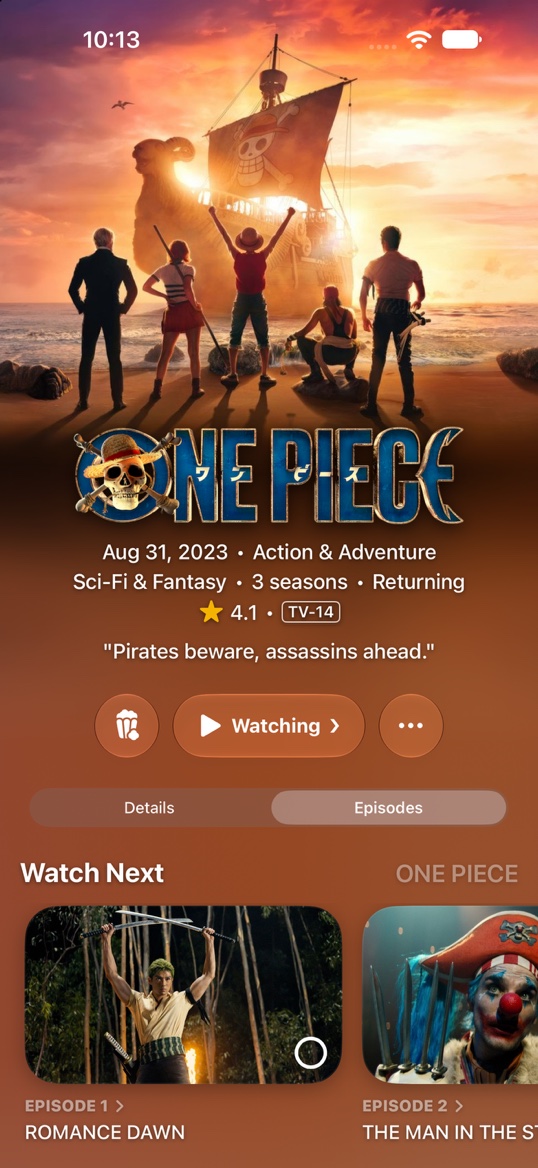
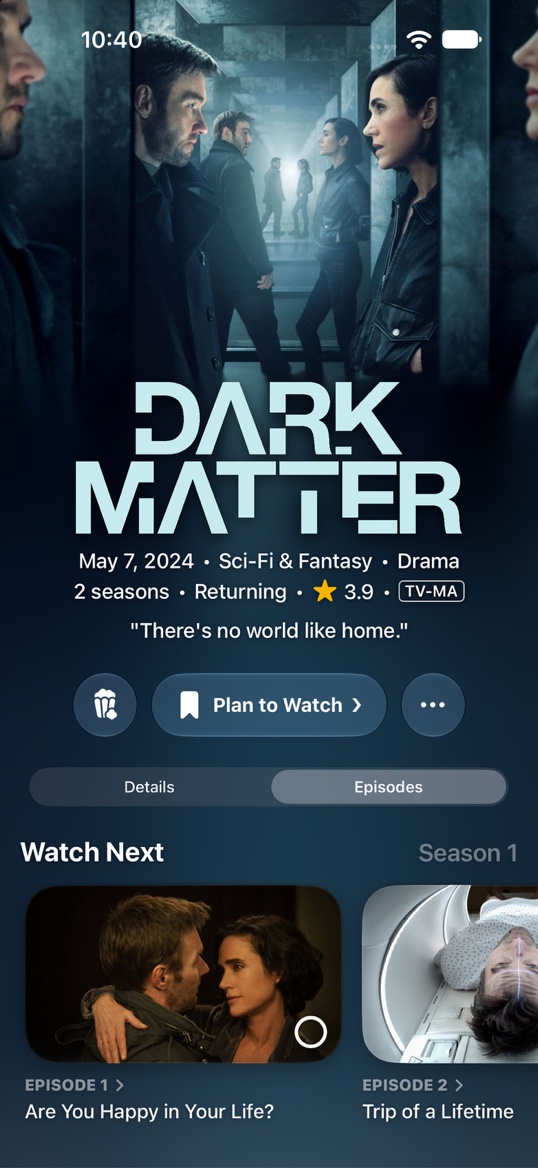
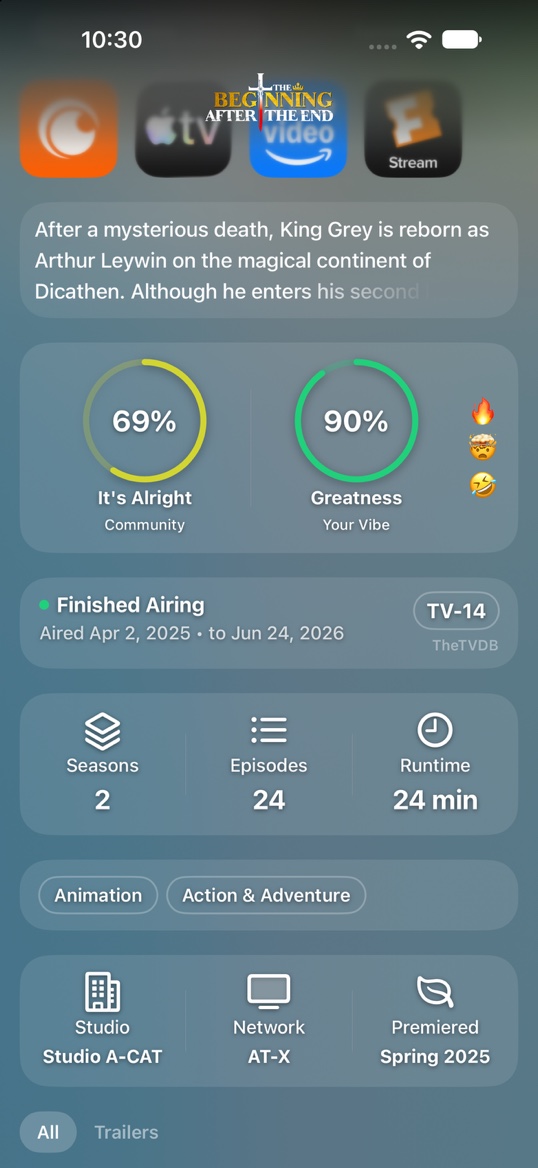
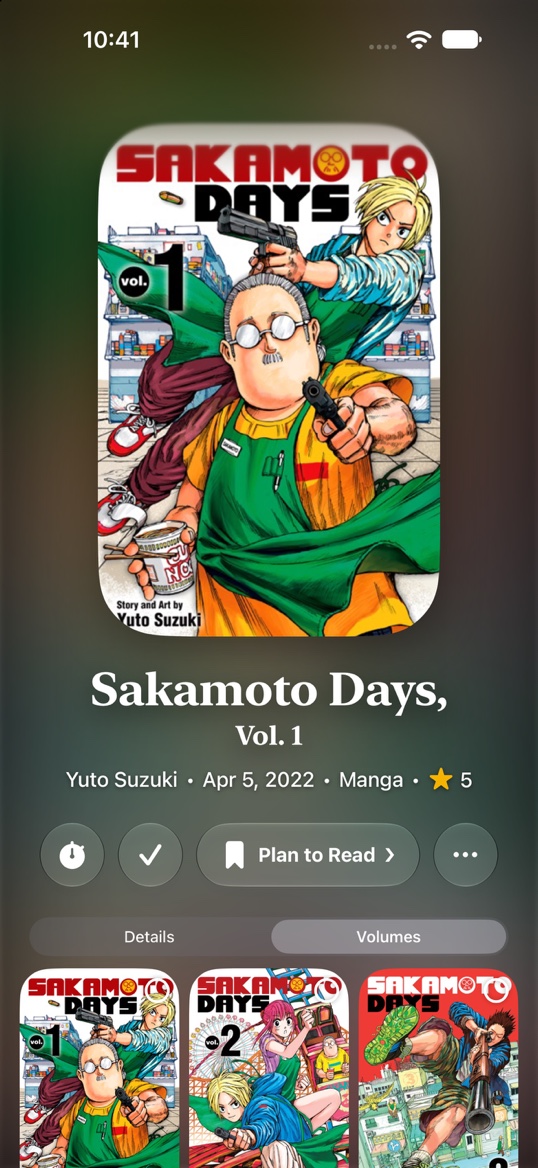
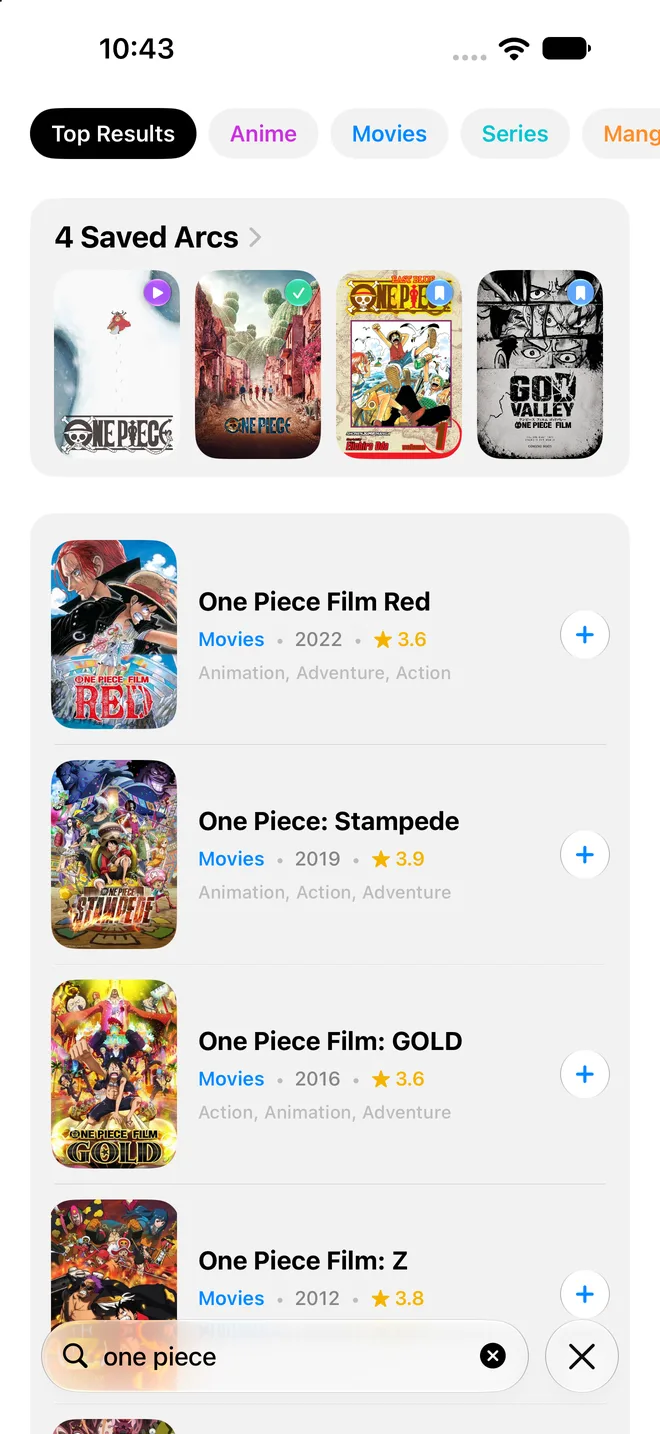
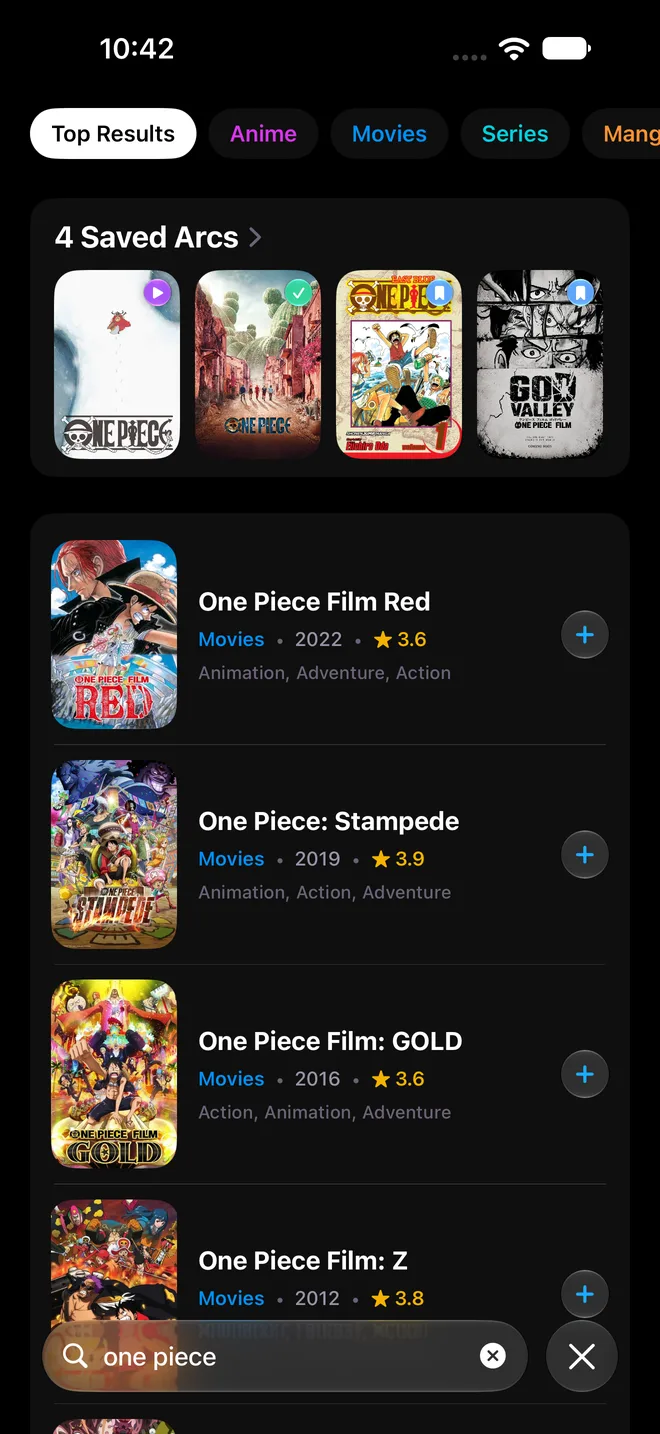
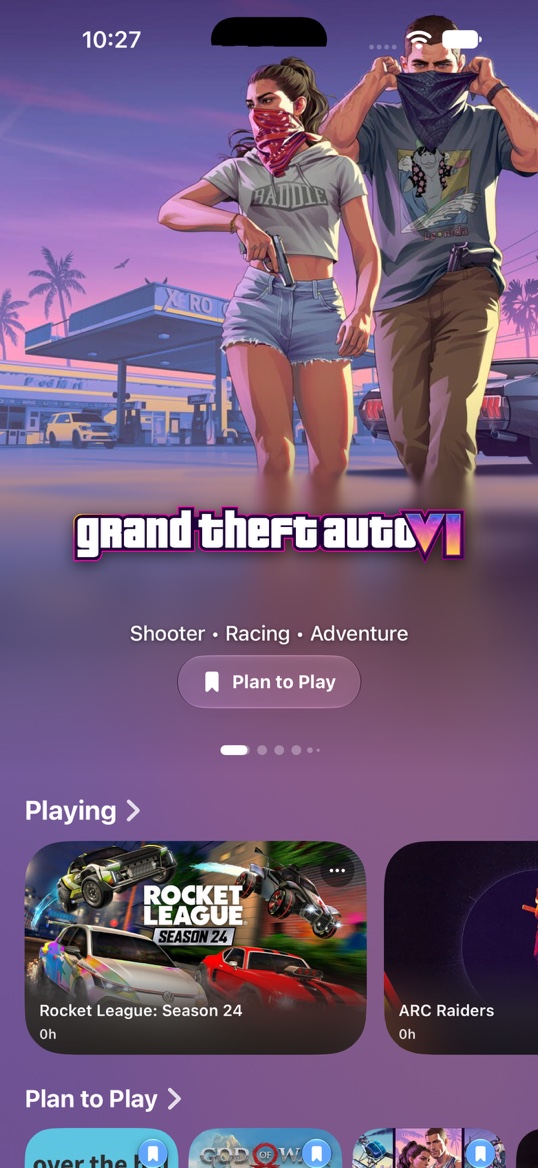
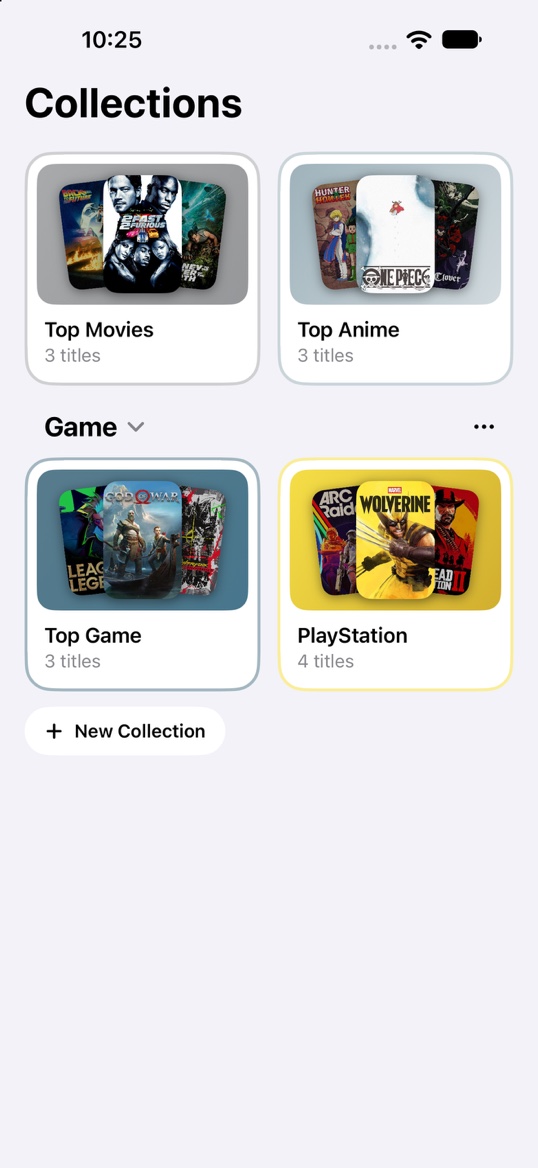
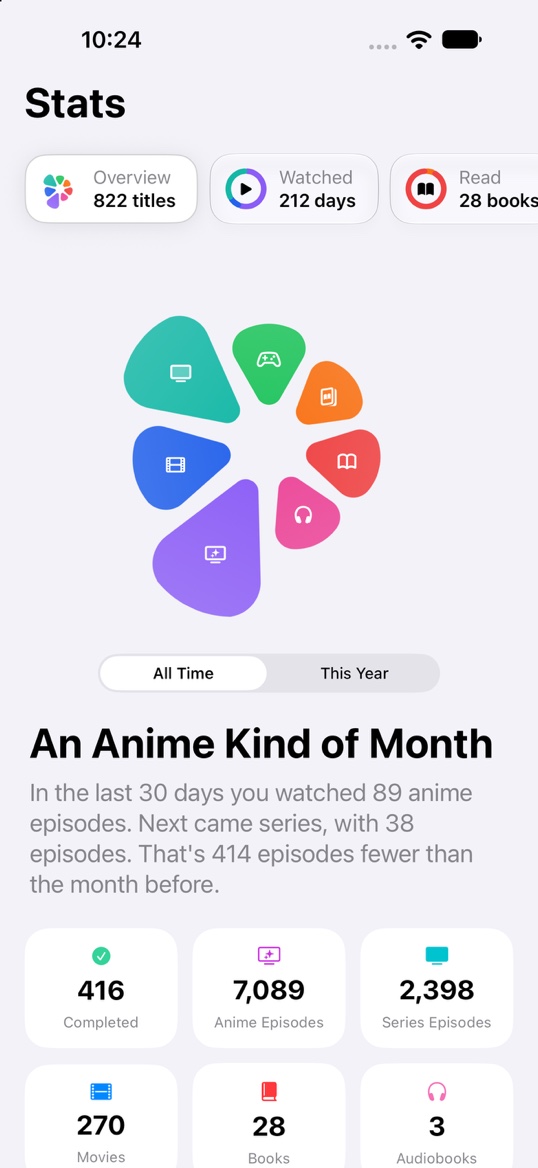
Stop juggling five tracker apps. Every format gets its own shelf, its own lists and its own color.
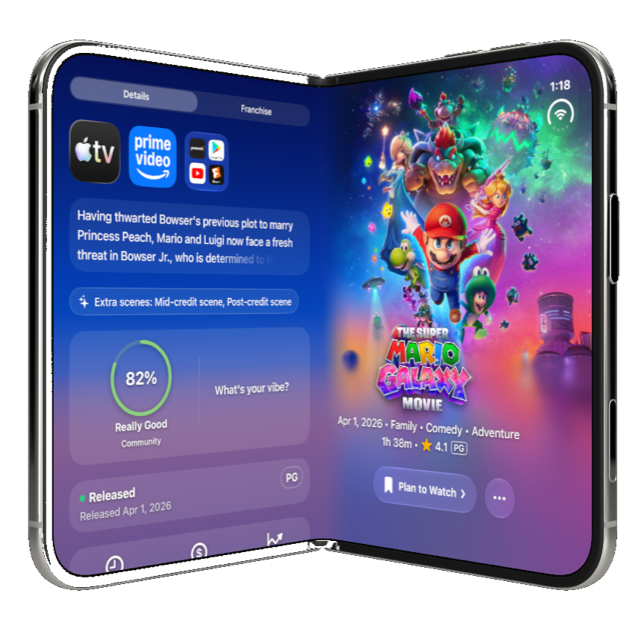
Where to watch, trailers, cast, scores and reviews, all in one place. Games show the platforms they're on and how long they take to beat.
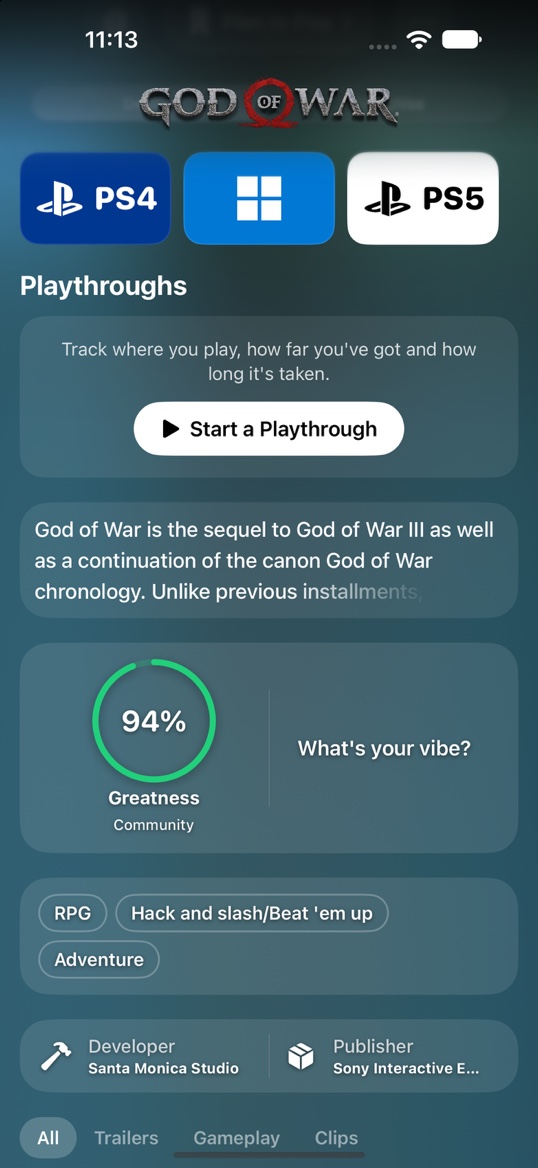
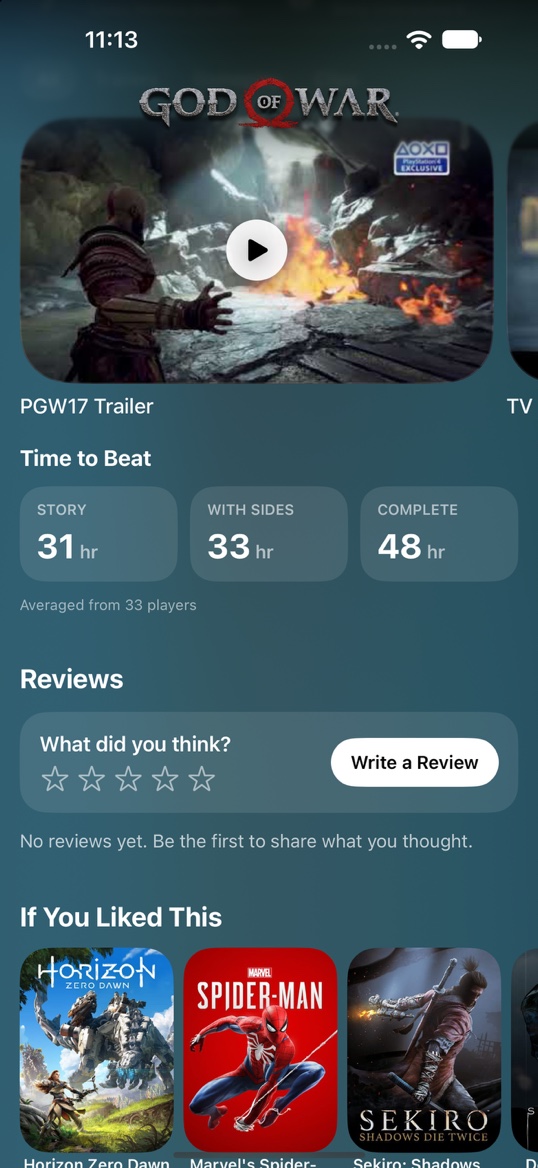
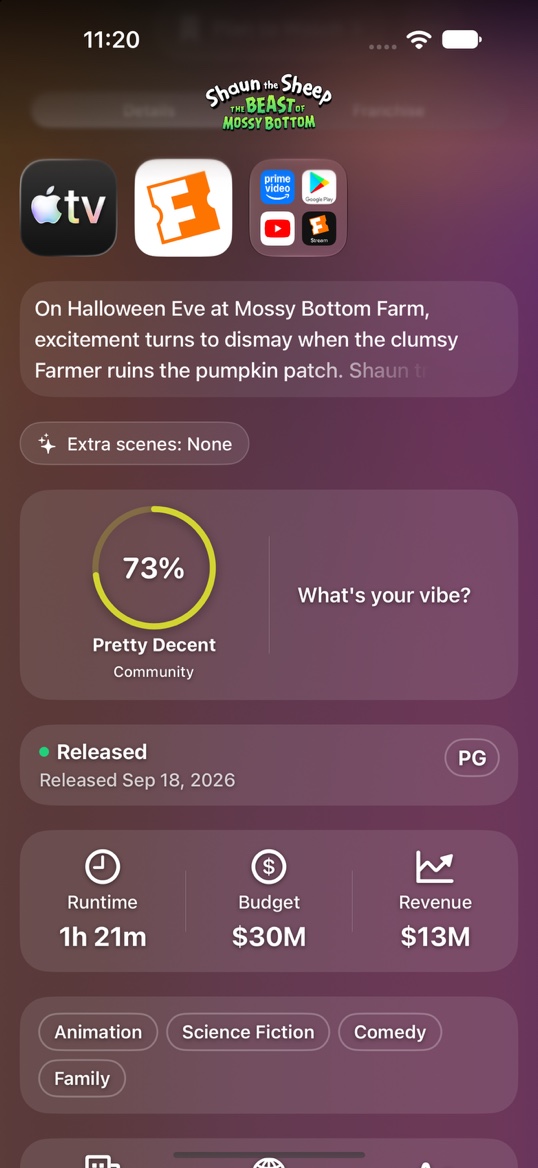
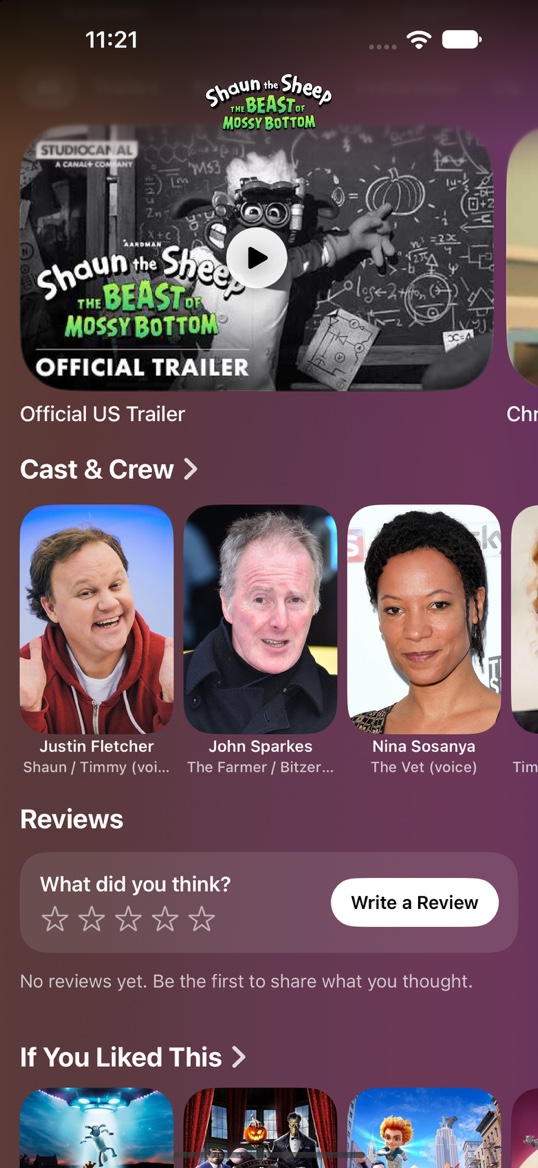
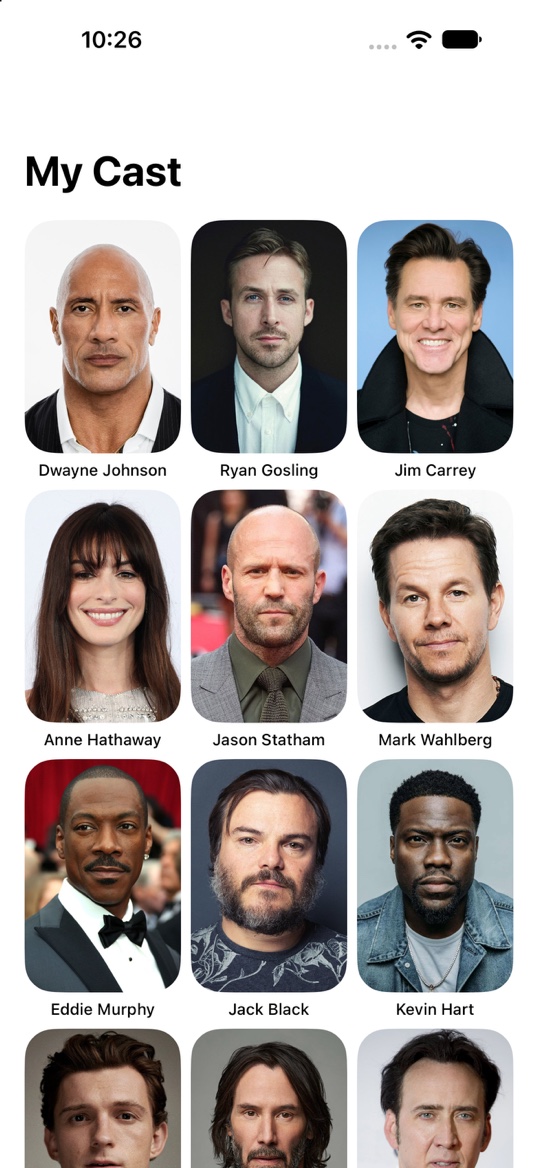
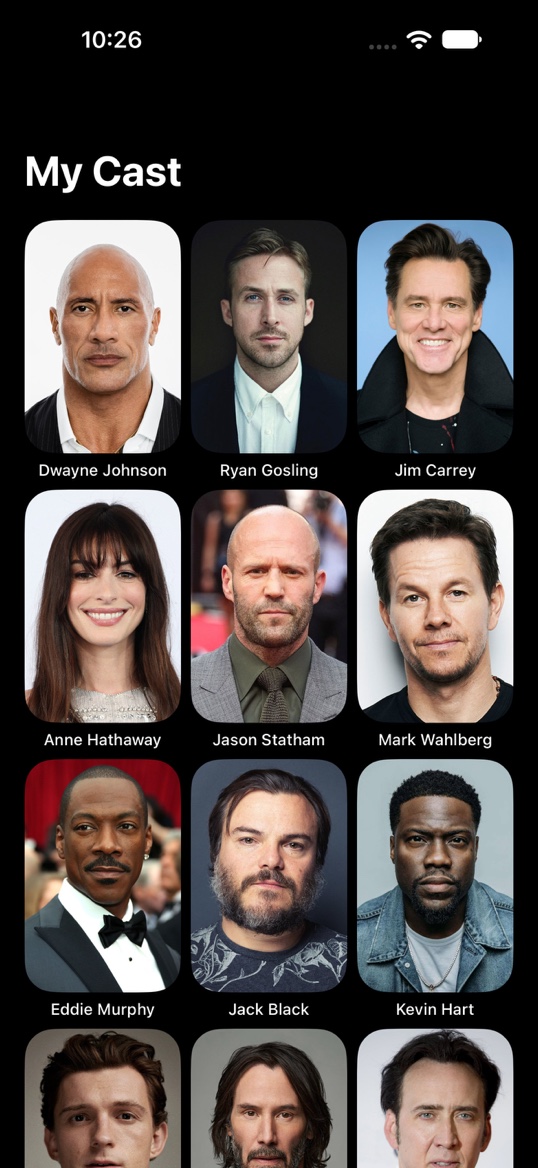
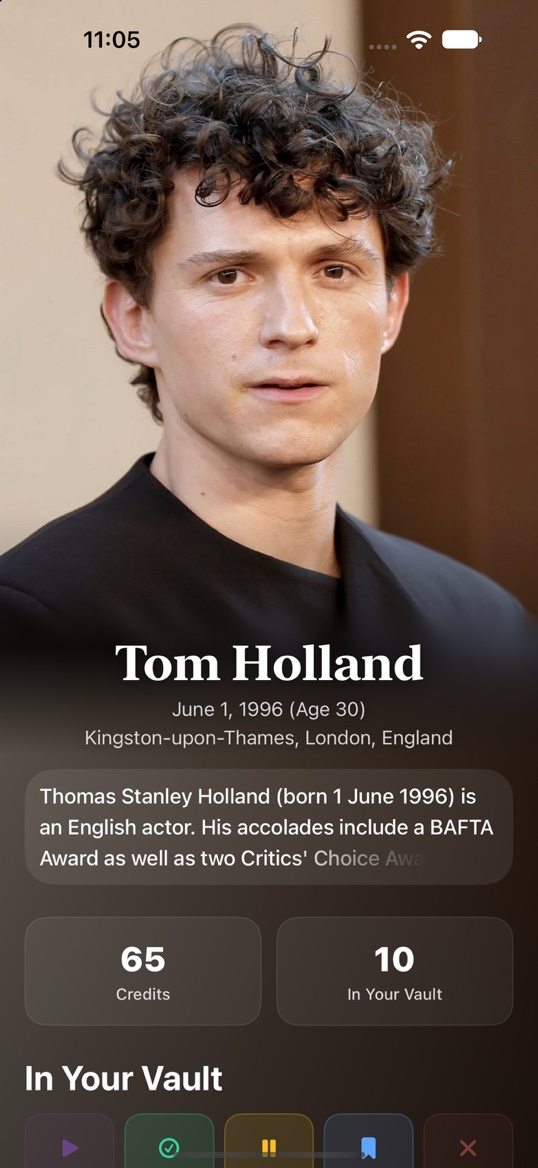
Every role an actor has played, and what's already in your Vault.
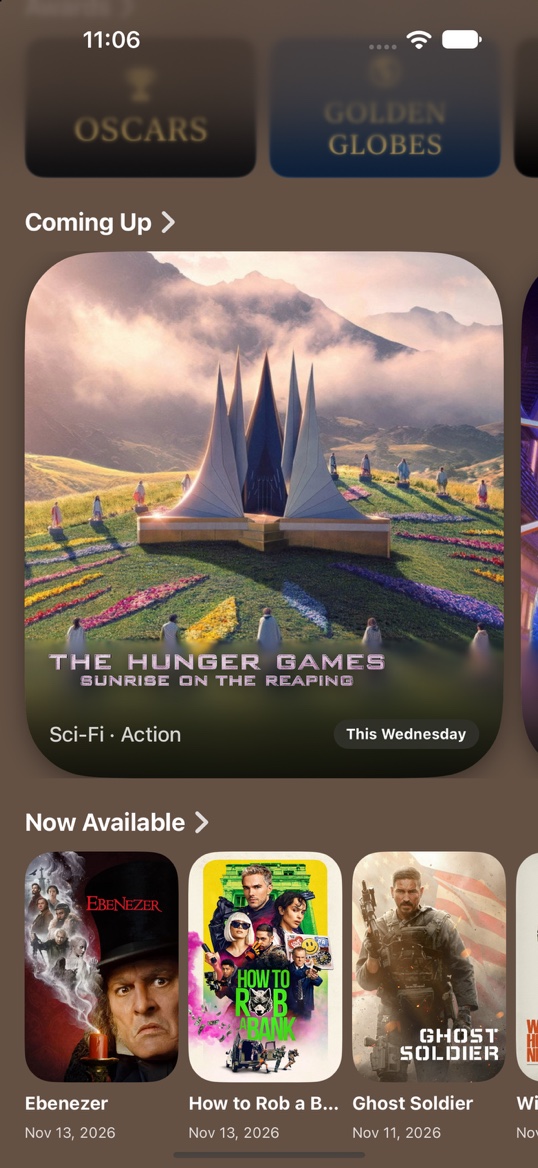
What's coming this week, and what just arrived to watch at home.
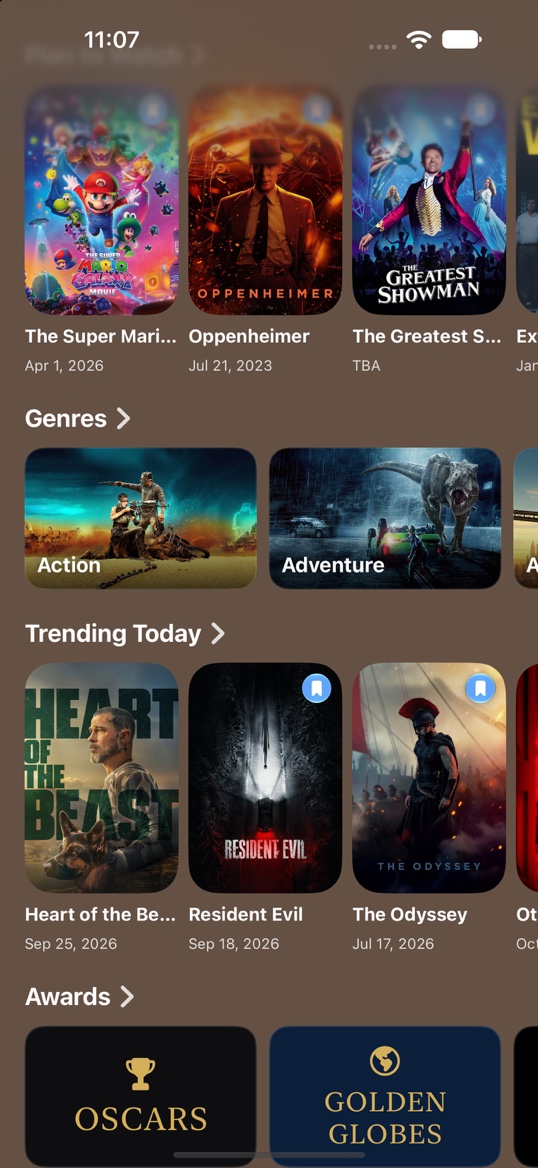
Genres, trending titles and award winners for every kind of story.
A sidebar with your whole Vault, big artwork and Liquid Glass on every screen size, open or closed.
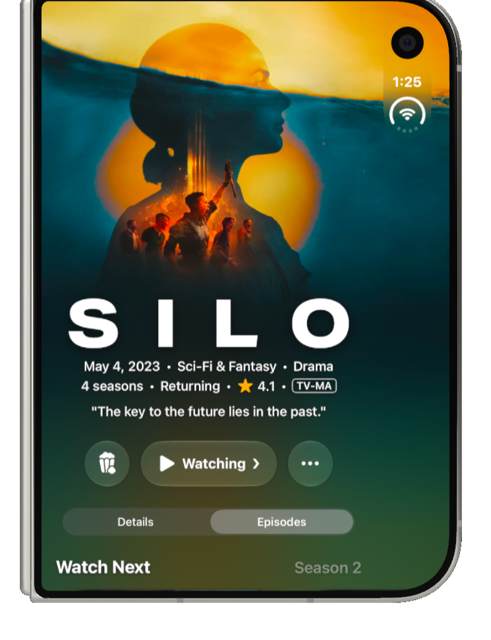
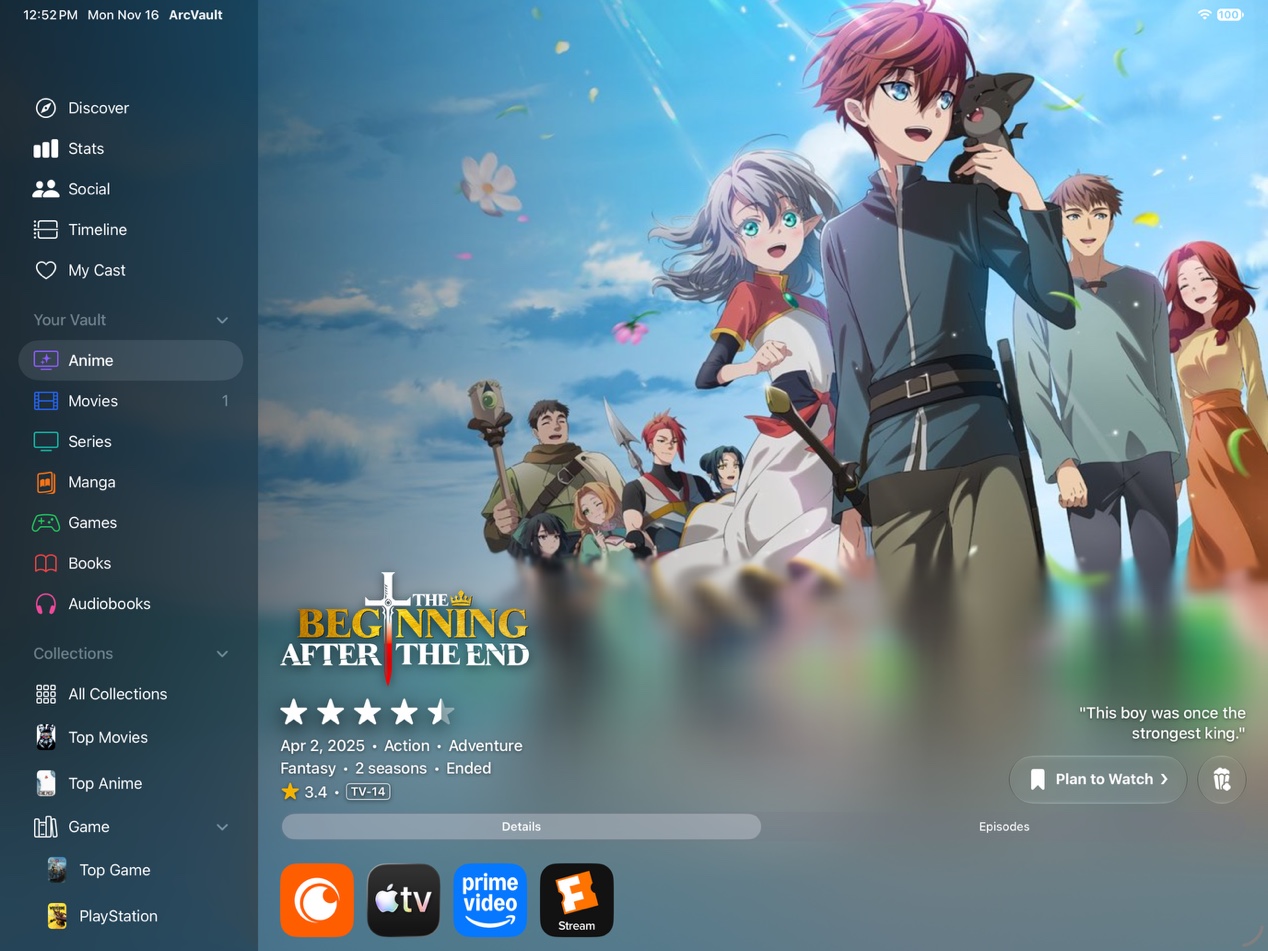
The list that fills itself. When a show you've finished gets a new season, ArcVault moves it to Awaiting automatically. Even if you marked it Completed.
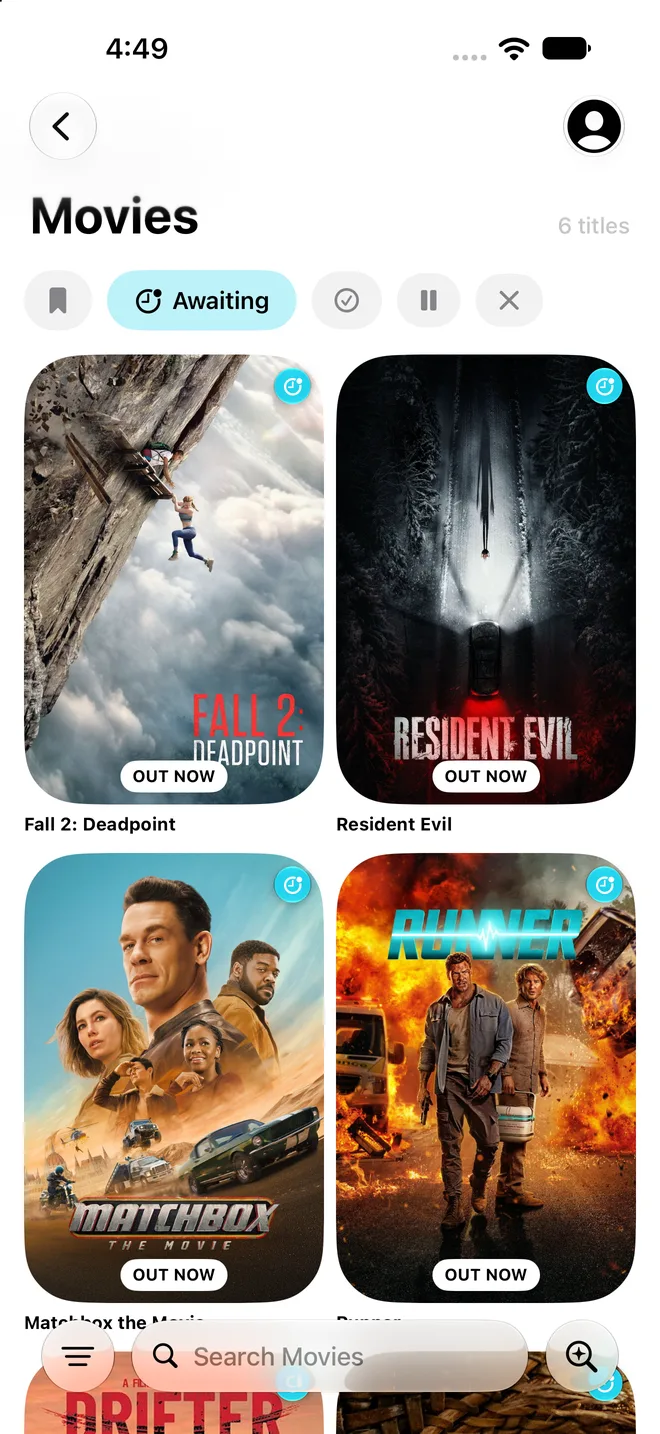
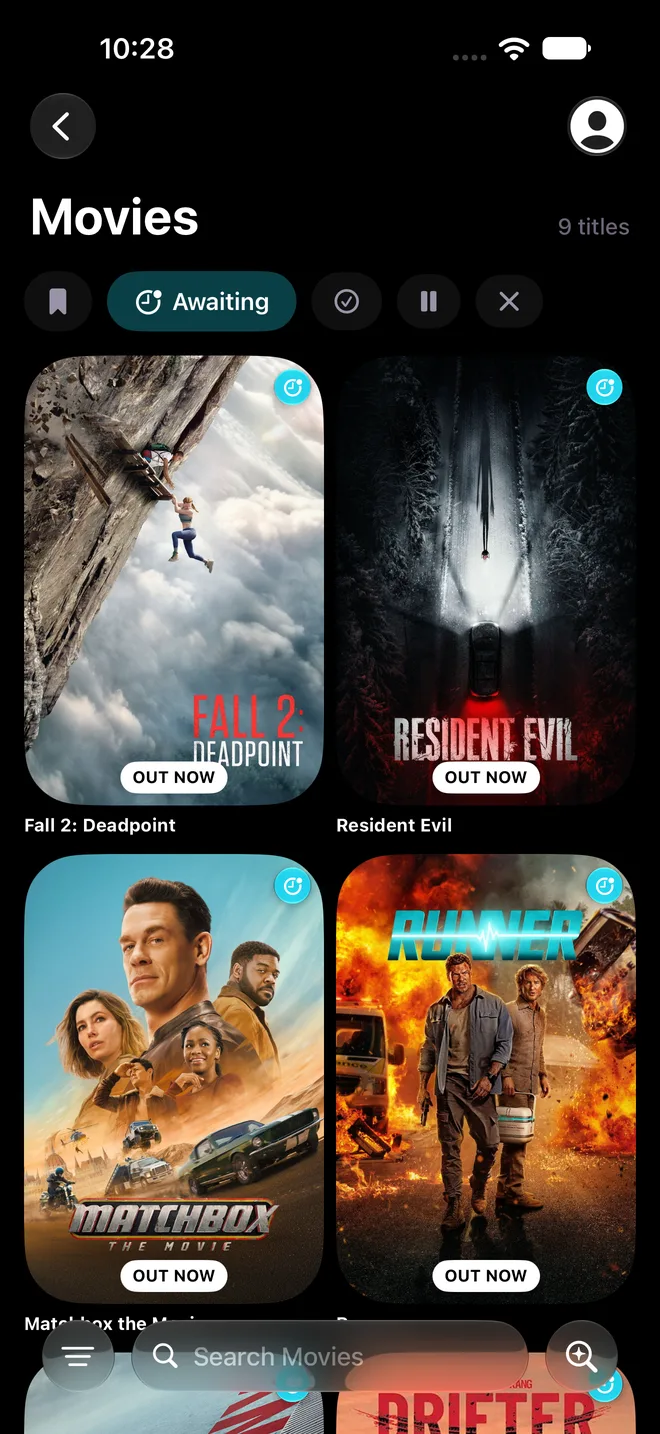
Waiting for a new season, a movie or a game? ArcVault counts down the days and tells you the moment it's here.
Countdowns, your next episode, what just came out and your stats, right on your Home Screen and Lock Screen.







 822 titles
















Know the moment a new episode drops, a season is announced or the game you've waited for comes out.



Check off episodes and pick up right where you left off. New episodes join your queue on their own.
 One PieceS1 E1 · Romance Dawn
 Dark MatterS1 E1 · Are You Happy in Your Life?SiloS2 E1One PieceS1 E1 · Romance DawnDark MatterS1 E1 · Are You Happy in Your Life?SiloS2 E1
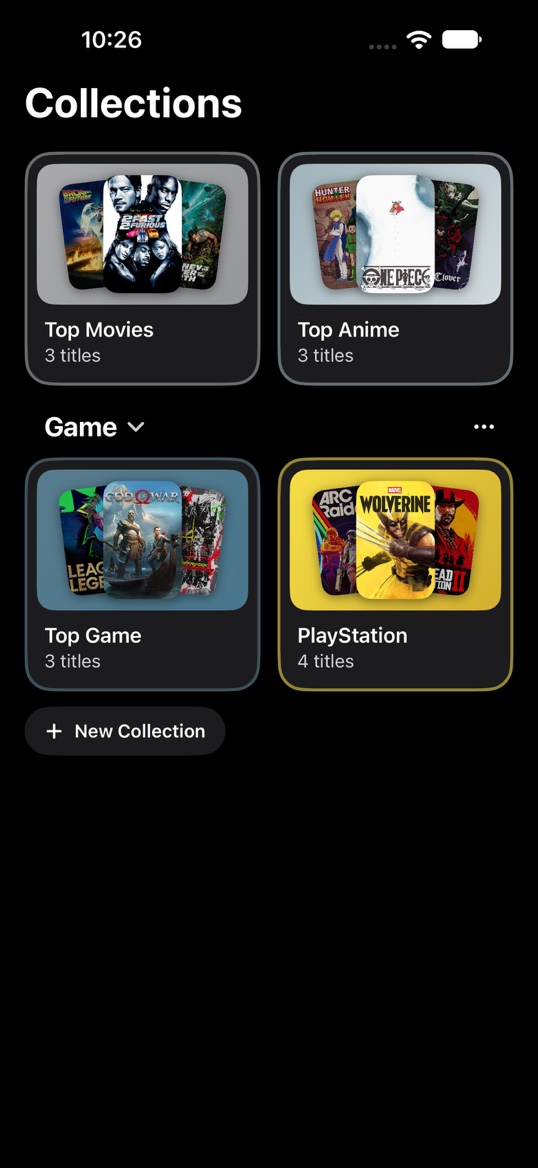
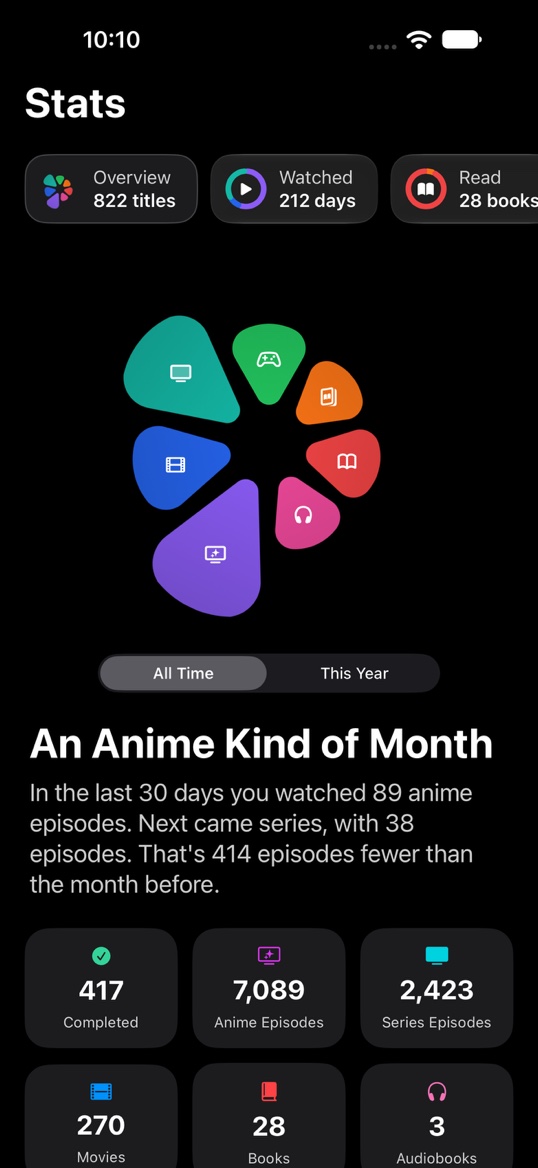
Every screen is designed for both, and follows your iPhone's setting.
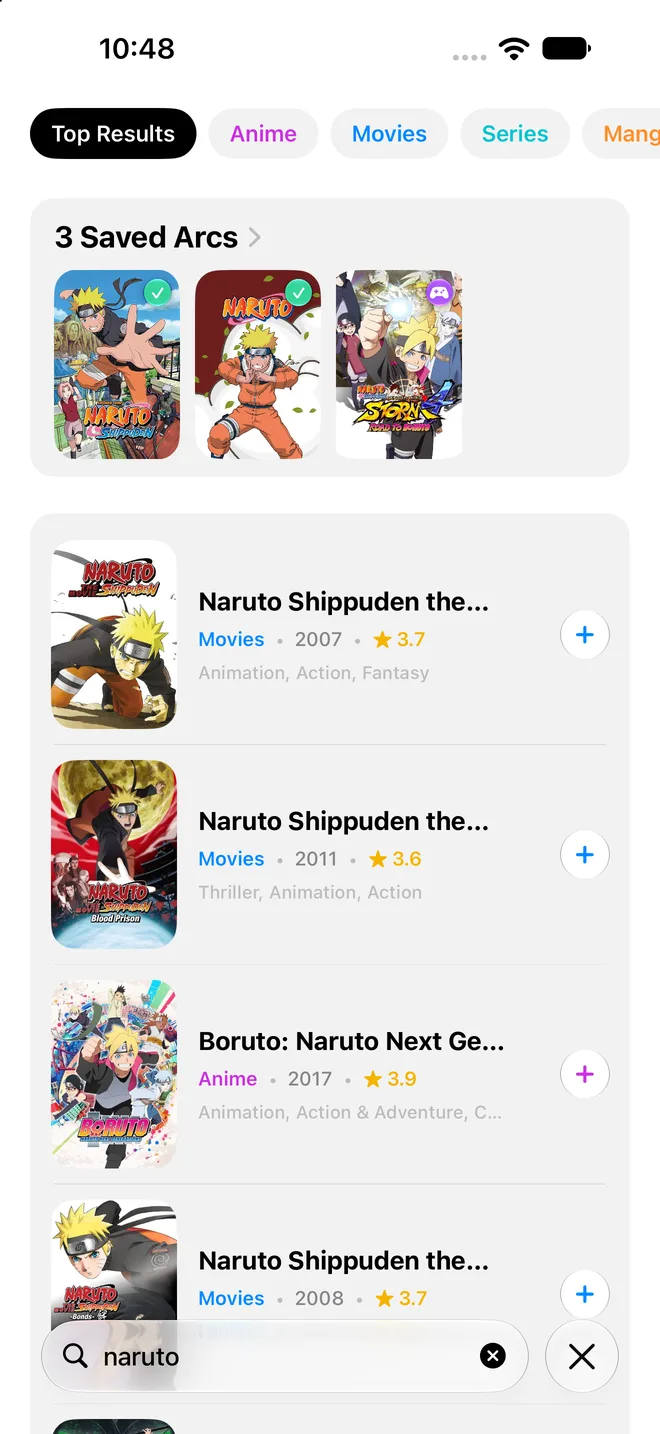
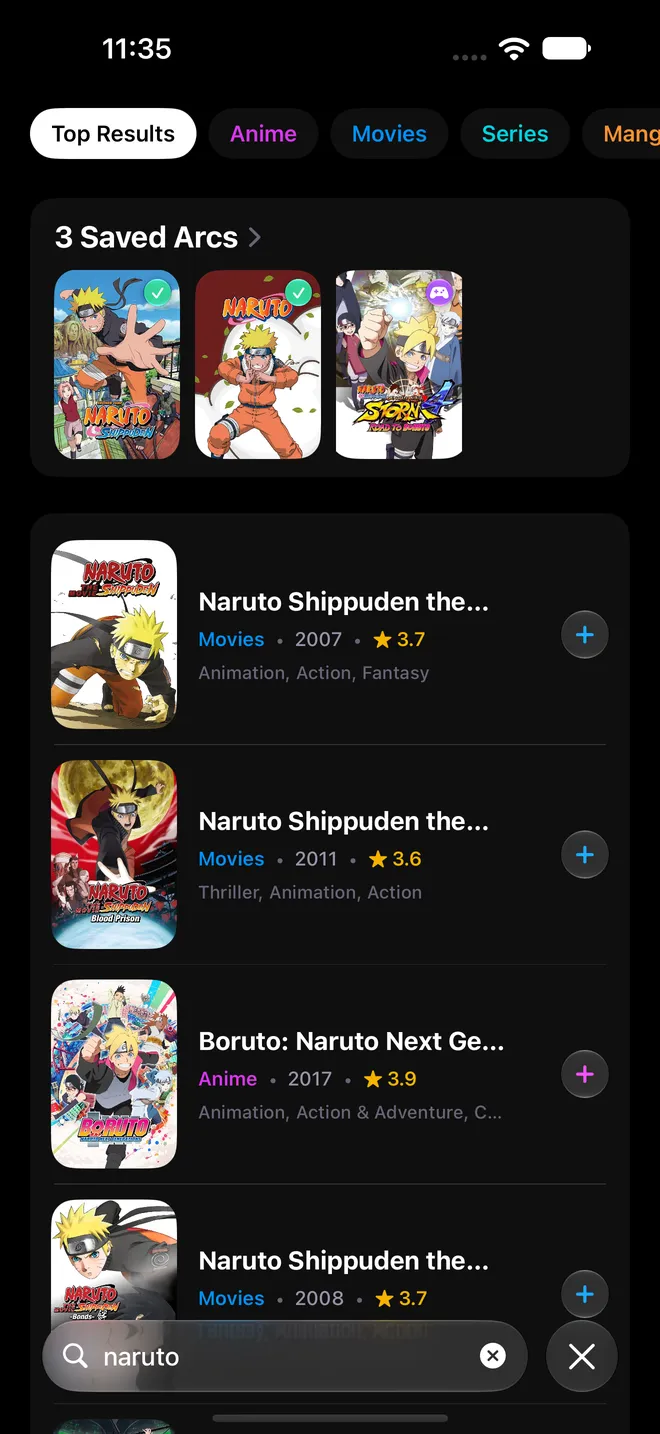
Only track what you love. Turn off a kind and it's gone from every screen, and back the moment you want it. Try it.
Import from AniList, MyAnimeList, Goodreads, StoryGraph, Letterboxd, IMDb, Trakt and more. Ratings and dates come too.
New episodes, season premieres, release days, your cast's new roles, new followers and more. Each one has its own switch.
Time watched, read, heard and played, your favorite actors, your streaks and a heatmap of every day.
Download your whole Vault, pictures and all, and it works without a connection. Changes sync when you're back.
Every episode, movie, game and book coming up from your Vault, in order, as a list or a month calendar.
A stopwatch for games, books and audiobooks, right on your Lock Screen and in the Dynamic Island.
Track books by page, chapter or percent and audiobooks by time. Set a reading goal for the year.
Point your camera at the back of a book and it's in your Vault.
ArcVault is in beta on iPhone. Testers get every new feature first and help decide what gets built next.
Install TestFlight from the App Store.
Tap "Join the iPhone beta" on this page.
Install ArcVault and start building your vault.
[email protected]Anime, manga, movies, TV series, games, books and audiobooks, all in one library. Each type gets its own shelf with its own lists.
It's the one list you never have to manage. When something in your vault gets a new season, even a show you already marked Completed, ArcVault moves it to Awaiting on its own so you know there's more to watch.
Yes. Connect your account and bring your whole list into ArcVault, ratings included. You can also import files from Goodreads, StoryGraph, Letterboxd, IMDb, Trakt, TV Time and other apps.
ArcVault runs on iPhone, iPad and iPhone Duo with iOS 26 or later. Your vault syncs across all of them.
Only what you choose. Your Vault is private to start with. You pick which shelves and collections show on your profile, and you can make your account private so only people you approve can follow you.
Open Settings in the app and tap Ideas & Feedback. Post an idea or a bug, vote on the ones you'd like too, and you'll get a notification when the team replies or it ships.
First install TestFlight, Apple's free app for beta testing, from the App Store. Then tap "Join the iPhone beta" on this page and install ArcVault from TestFlight. Questions? Email [email protected].
Your vault is stored on your device and synced to your account so it's there on every device. Read the Privacy Policy for the full details.
Better with friends.
Follow the people you love talking stories with. Your Vault stays private until you choose what to share.
Follow friends.
Find people by name or @username, see what they finish and give their moments a like.
Write reviews.
Say what you thought of a show, an episode or a book. Mark spoilers so nobody gets caught out.
Your profile.
A backdrop, your photo, a bio and your socials, plus the shelves and collections you pick to show.
Share your card.
A picture of your profile with a code that friends scan to follow you.
You're in control.
Go private and approve each follower, choose what shows on your profile, and block or report anyone.
Ideas & Feedback.
Suggest ideas, report bugs and vote for what gets built next, right inside the app.